


Private adult image editing
AI Clothes Removerfor PrivateAdult Photos
Use an AI clothes remover when you need a focused adult image workflow: upload one clear photo, choose the body and breast options that match the result you want, review the privacy rules, and create a realistic AI image without moving through extra pages. The tool can feel instant when the source is clean, but it should never be treated as a way to instantly expose a real person. Our homepage is written for adults editing their own images, licensed model photos, fictional characters, or other content they have the rights and consent to use.
Your private preview appears here before generation
Breast Size Options
Body Type Controls
 This demo flow shows a 10 credit generation cost.
Model templates
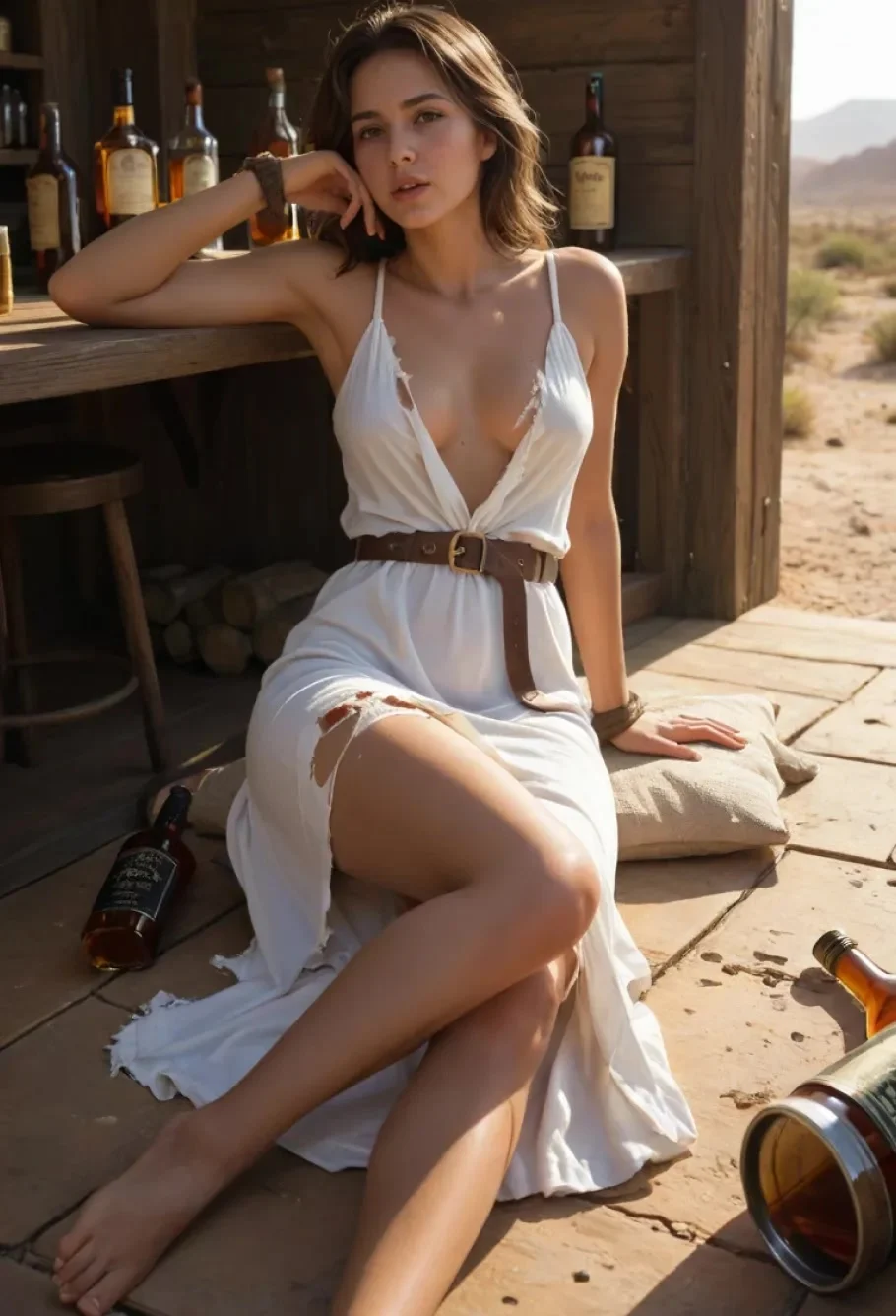
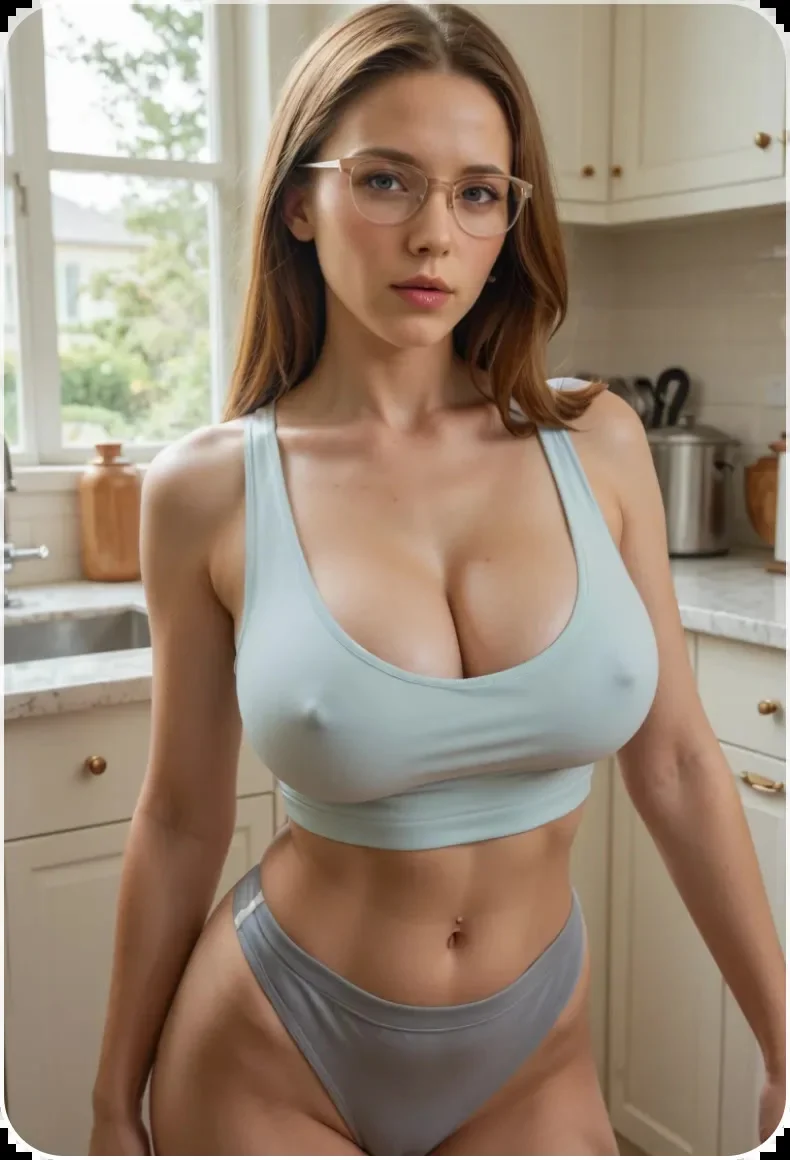
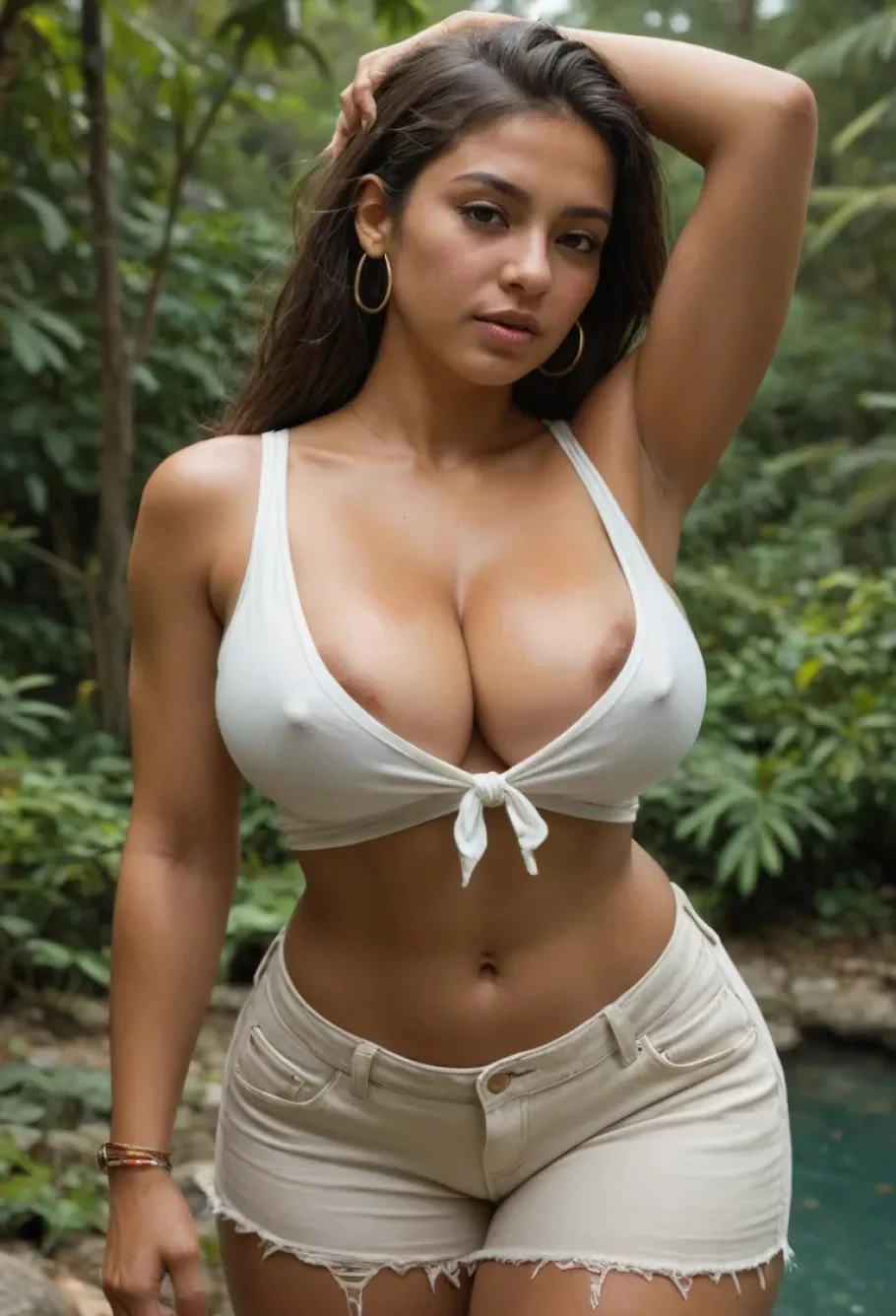
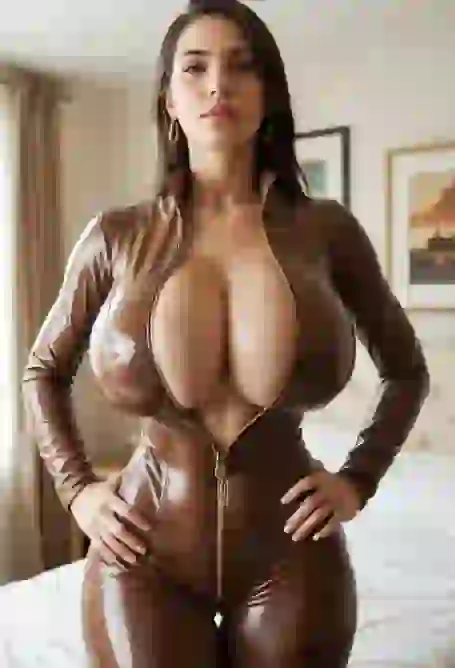
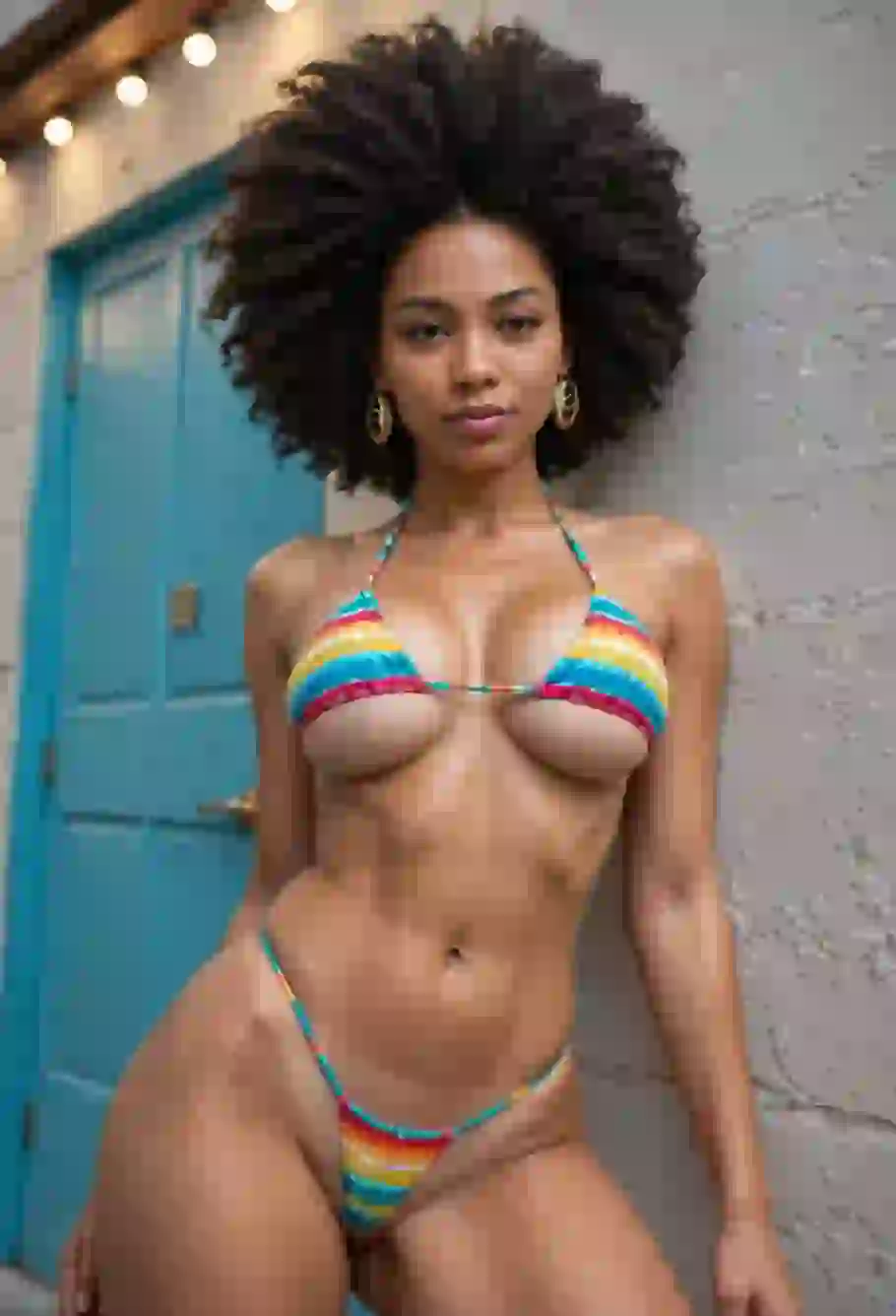
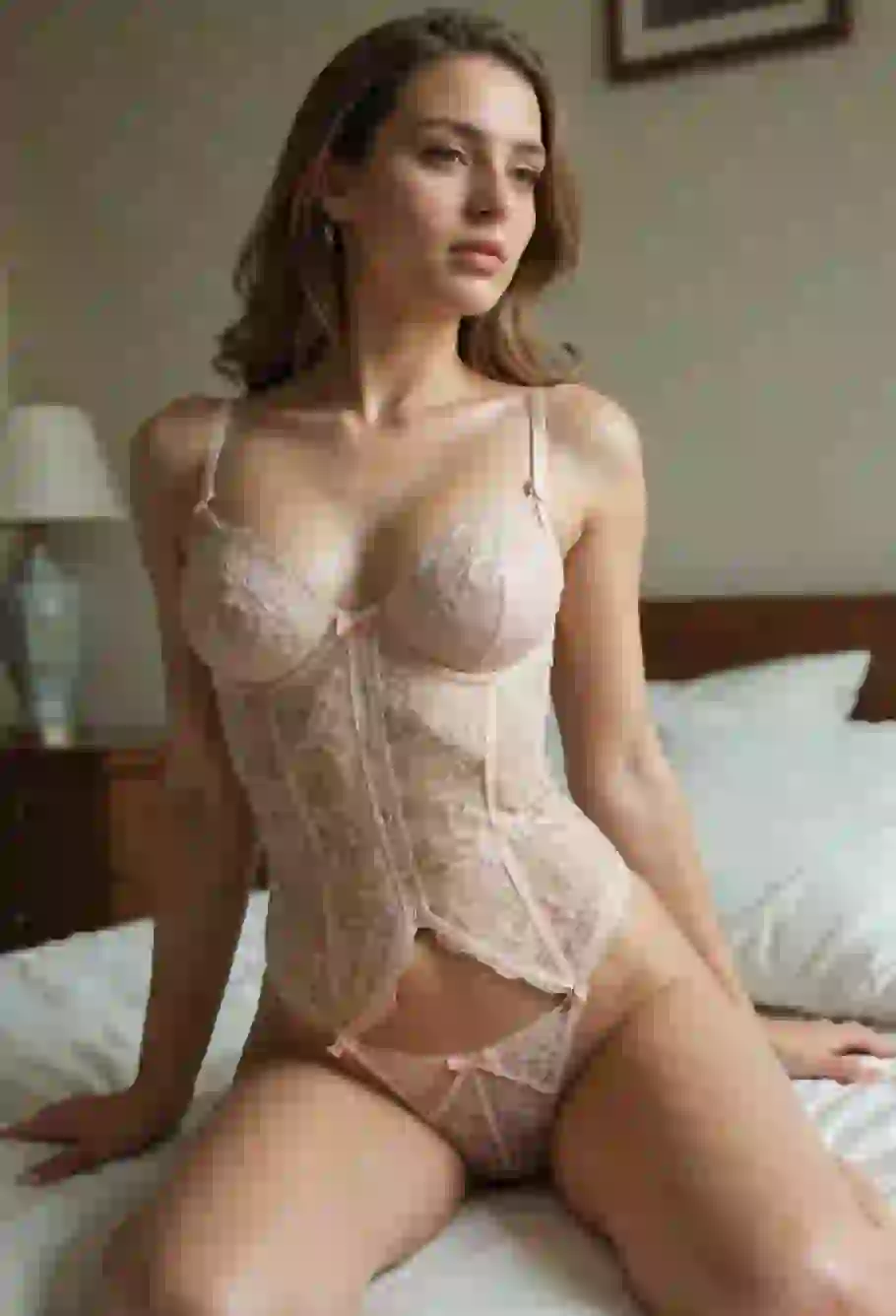
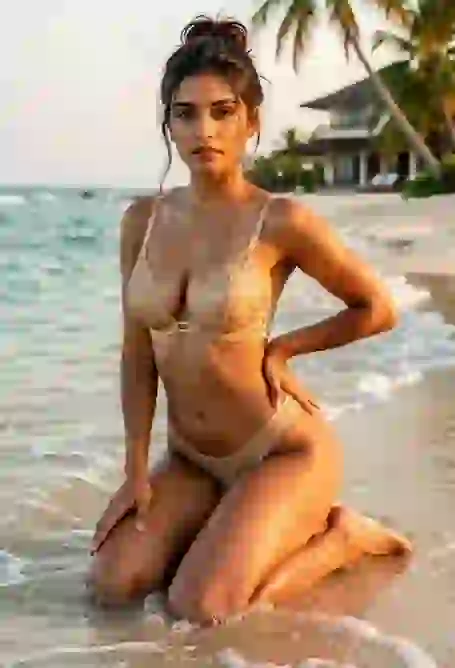
Pick an AI Clothes Remover Model Style
Templates help you understand how an AI clothes remover reads pose, lighting, background, camera angle, outfit edges, hair overlap, and visible body shape. Choose the example closest to your photo before you upload so the final image direction feels deliberate rather than random.
Why this workflow exists
Why Choose This AI Clothes Remover Page?
A good AI clothes remover is not only about a dramatic before-and-after image. The workflow has to explain what kind of photo works best, how privacy is handled, where consent matters, why the result can vary, and how a user can make safer choices before pressing the generation button.

AI Clothes Remover Built for One Clear Task
The interface is built around a single action: upload a photo and create an adult AI edit. That matters because image tools become confusing when every mode is hidden behind prompts, tabs, and presets. Here the upload zone, body controls, preview, credit note, and start button are visible at once. You can see the cost, the options, the core features, and the expected flow before you select a file.

Fast Image Processing Expectations
AI image generation speed depends on queue size, image resolution, model load, face detection, pose complexity, and the number of refinement passes. Some simple edits can finish in seconds, while a complex pose takes more time. The page sets realistic expectations: choose a clear source photo, avoid extreme blur, keep the subject visible, and use a file that does not hide the body behind heavy objects.

Private Use and Adult Consent First
Private does not mean careless. Use this AI clothes remover only for adult content you own, commissioned model images, licensed stock, fictional characters, or photos where every identifiable person has clearly agreed to this kind of edit. Do not upload strangers, public figures, classmates, coworkers, ex-partners, minors, or anyone whose consent is missing. That rule protects real people and protects you from legal and platform risk.

Realistic Results Depend on Source Quality
Realistic AI image output starts with the original photo. A front-facing image with visible shoulders, torso, waist, and legs gives the model more structure. Strong motion blur, cropped limbs, mirror glare, heavy shadows, low resolution, and busy backgrounds all reduce quality. The best source photos have enough detail for the AI to infer skin tone, lighting direction, pose, and body proportions without guessing every major line.

Deepnude AI Needs Ethical Limits
Search terms like deepnude, undress AI, and clothes remover AI describe a sensitive category of advanced image manipulation. The technology can be used for private adult fantasy art, but it can also be abused. A responsible homepage should say the quiet part out clearly: consent is not optional, generated images should not be used to harass or impersonate real people, and any synthetic content that could be mistaken for reality needs careful handling.

Body and Breast Options With User Control
The body type and breast size controls are there to guide the creative direction before generation. Small, medium, and large breast options change the intended result, while slim, athletic, and curvy body choices help define proportions. These options work best when they follow the original pose and camera angle instead of fighting it. The goal is a coherent image, not a distorted body.
How the image is read
How an AI Clothes Remover Handles Real Photos
The best long-form answer is practical: an AI clothes remover does not simply delete clothing. It analyzes visible visual signals, predicts covered body regions, rebuilds missing areas, and tries to keep the new result consistent with the original photo. The more consistent the source image is, the more believable the final image can become.
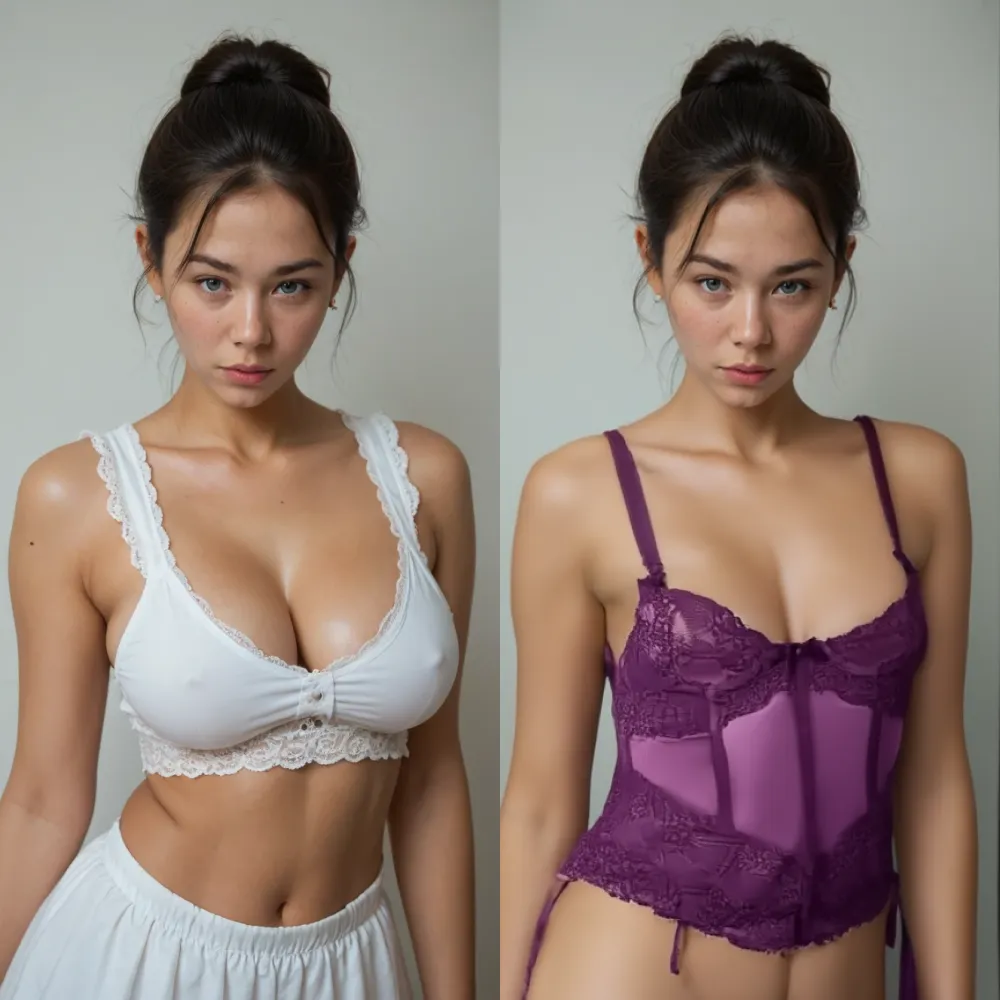
AI Clothes Remover and Natural Body Refinement
Natural body refinement means the edited result should respect anatomy, posture, skin tone, and light. If the subject is leaning, the generated body must lean with the same shoulder angle. If the image has warm sunset light, the skin should not look like it was pasted from a cold studio shot. If hair covers the neck or chest, the AI needs to preserve hair shape instead of smearing it into the new body. These details are what separate a rushed edit from a professional-looking adult AI image.
For best results, start with photos where the head, torso, and main body line are visible. A clean source gives the model enough information to maintain the original face, expression, background, and lighting while changing the clothing area. This is also why a consent-based workflow matters: the result can look realistic enough that it should be treated as sensitive content, even when it is generated.
Start With a Clear Photo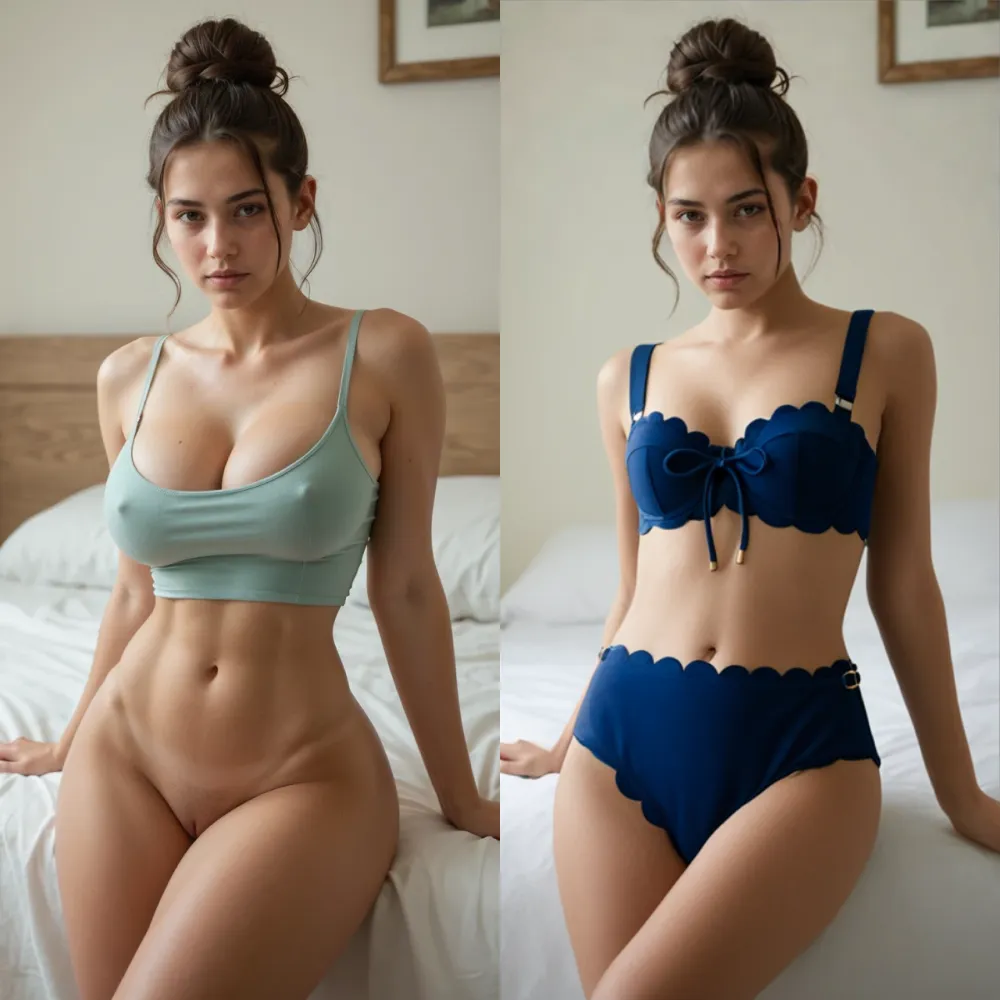
AI Clothes Remover for Complex Backgrounds
Complex backgrounds challenge any AI photo editor. Chairs, bedsheets, handbags, windows, plants, bottles, and shadows can overlap with clothing edges. A quality AI clothes remover has to separate the subject from the scene, preserve background texture, and avoid cutting holes into the photo. The cleaner the subject boundary is, the less reconstruction the model has to invent. This is why a simple room, uncluttered wall, or high-contrast outfit often produces a cleaner edit than a noisy street shot.
When a photo includes props or furniture, keep the body visible and avoid objects that cover important anatomy. If the source image hides the waist, arms, or legs, the model has fewer facts to work with. It may still generate a result, but the output can become less precise. Clear photos help the AI keep shadows, fabric marks, and perspective believable.
Check Background Quality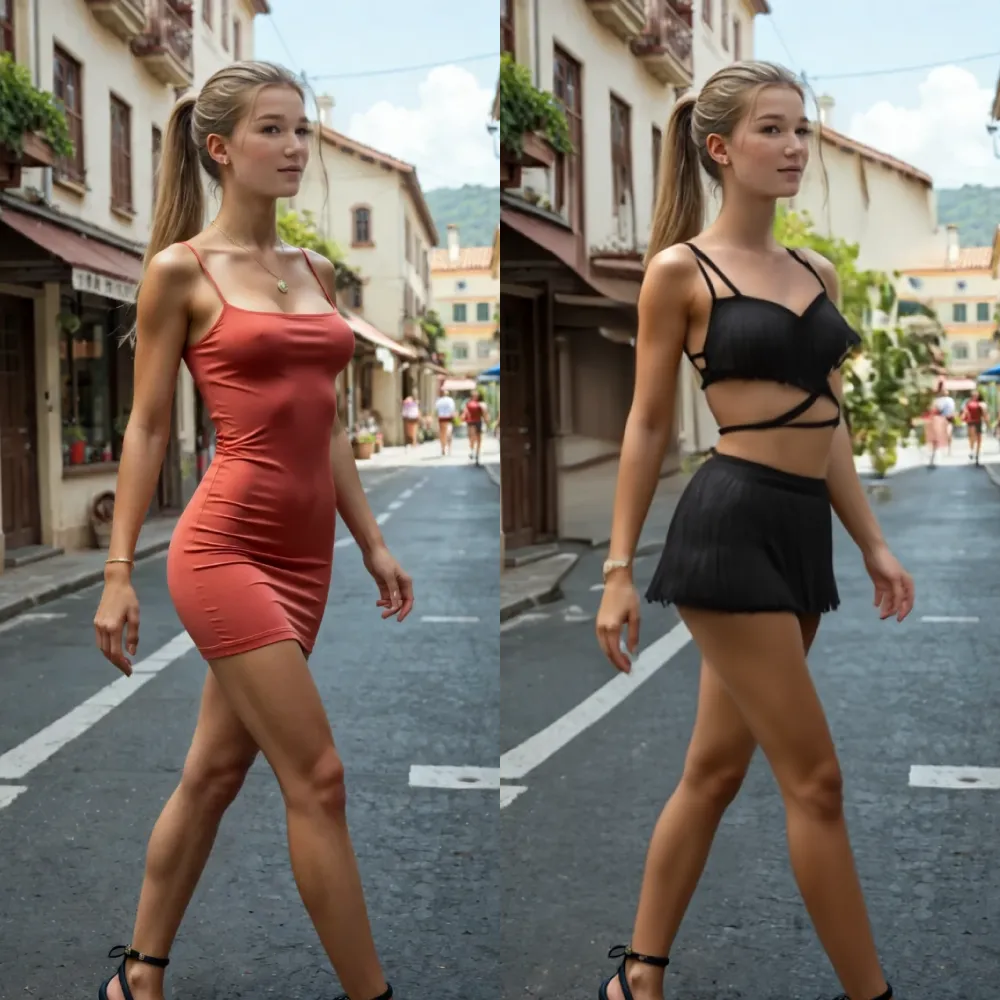
AI Clothes Remover for Pose, Motion, and Angles
Pose is one of the biggest quality factors. A straight standing portrait is easier than crossed arms, twisted hips, deep bends, sitting poses, or fast movement. Dynamic photos can still work, but the AI must infer more anatomy from fewer visible cues. That means a good source should show joints, shoulders, waist, and legs as clearly as possible. If a limb is cropped or hidden behind another object, the result may look less natural.
Use images where the pose makes sense and where the body is not heavily compressed by perspective. A low camera angle, wide lens distortion, or mirrored pose can make the output harder to predict. The model style cards above are useful because they show several common cases: studio portraits, seated outdoor photos, indoor scenes, bikini poses, and fashion shots with fabric boundaries.
Pick a Matching Pose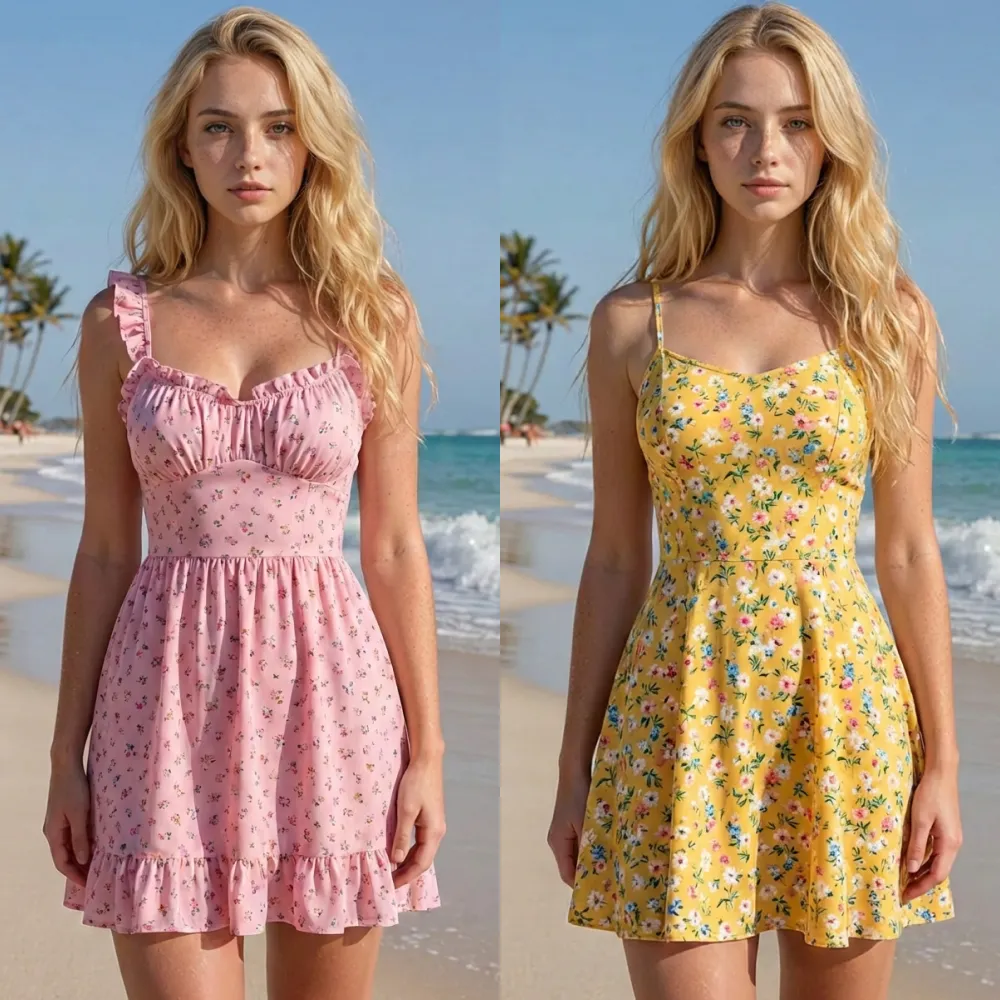
AI Clothes Remover for Different Photo Styles
Adult AI image editing is not limited to one type of source. Fashion portraits, casual selfies, studio shoots, virtual girlfriend images, creator photos, AI-generated models, and licensed stock images can all require different handling. A glossy editorial image has sharp fabric edges and controlled light. A casual phone photo may have compression noise and mixed shadows. A beach photo has bright highlights, while a bedroom photo may have soft low light.
The page keeps the copy concrete because users need more than a generic promise. If you want high quality results, upload a high resolution image, avoid extreme blur, keep the subject in frame, and choose the body option before you start. The AI can generate a new version, but it cannot recover every missing detail from a poor source photo.
Review Photo Style
AI Clothes Remover With Clothes Swap Options
Clothes removal and clothes swap are related but not identical. An AI clothes remover focuses on replacing clothing areas with a generated adult body. A clothes swap tool changes the outfit while keeping the person clothed. Many users need both: first to explore a private adult edit, then to test lingerie, bikini, dress, cosplay, or fantasy wardrobe ideas. The important part is control. The original pose, face, background, and lighting should remain recognizable while the new visual direction changes.
For creators, this can support concept art, private lookbooks, adult roleplay visuals, and model styling tests. For personal users, it can support fantasy edits of fictional or consented images. The same rule applies every time: do not use the tool to create or share non-consensual intimate imagery.
Explore Local StylesPractical benefits
Benefits of an AI Clothing Remover With Clear Rules
The strongest AI clothing remover page is specific about speed, image quality, privacy, data use, consent, and limits. It does not need exaggerated claims. It needs a clear explanation of what the user can control and what the AI cannot promise.
One Upload, One Private AI Clothes Remover Flow
The upload flow is intentionally simple. Select a file, review the preview, choose body options, then click the start button. A simple flow reduces mistakes because the user sees each decision before generation. It also keeps the page honest: if a photo is low quality, cropped, or unclear, the preview makes that obvious before credits are spent. For adult content, this kind of friction is useful. It gives users a moment to confirm rights, consent, and image quality.
Select a File
Professional Image Quality Starts With Visible Detail
Professional-grade output is built from visible detail: face direction, shoulder line, torso angle, lighting temperature, shadow softness, skin tone, and background depth. The AI uses these signals to generate a result that belongs in the same scene. If the source image contains enough information, the final result can look more consistent. If it is blurry, pixelated, or heavily obstructed, the AI has to guess. That is why the page repeatedly points users toward clean, adult, permission-based photos.
Use Better Source Detail
Free Trial Credits Without Hidden Page Hops
The interface shows credits directly in the header and near the action button. That makes the cost visible before the user begins. A transparent credit model is easier to trust than a hidden checkout path. Yes, the page can describe premium quality and trial access without forcing users through multiple pages. We offer a local demo of the flow now, and the same layout offers a clear place to get more credits in a live product. Since this build is local, every navigation item is also kept as a simple anchor so the site will not send visitors to missing routes or external pages.
Review Credit Cost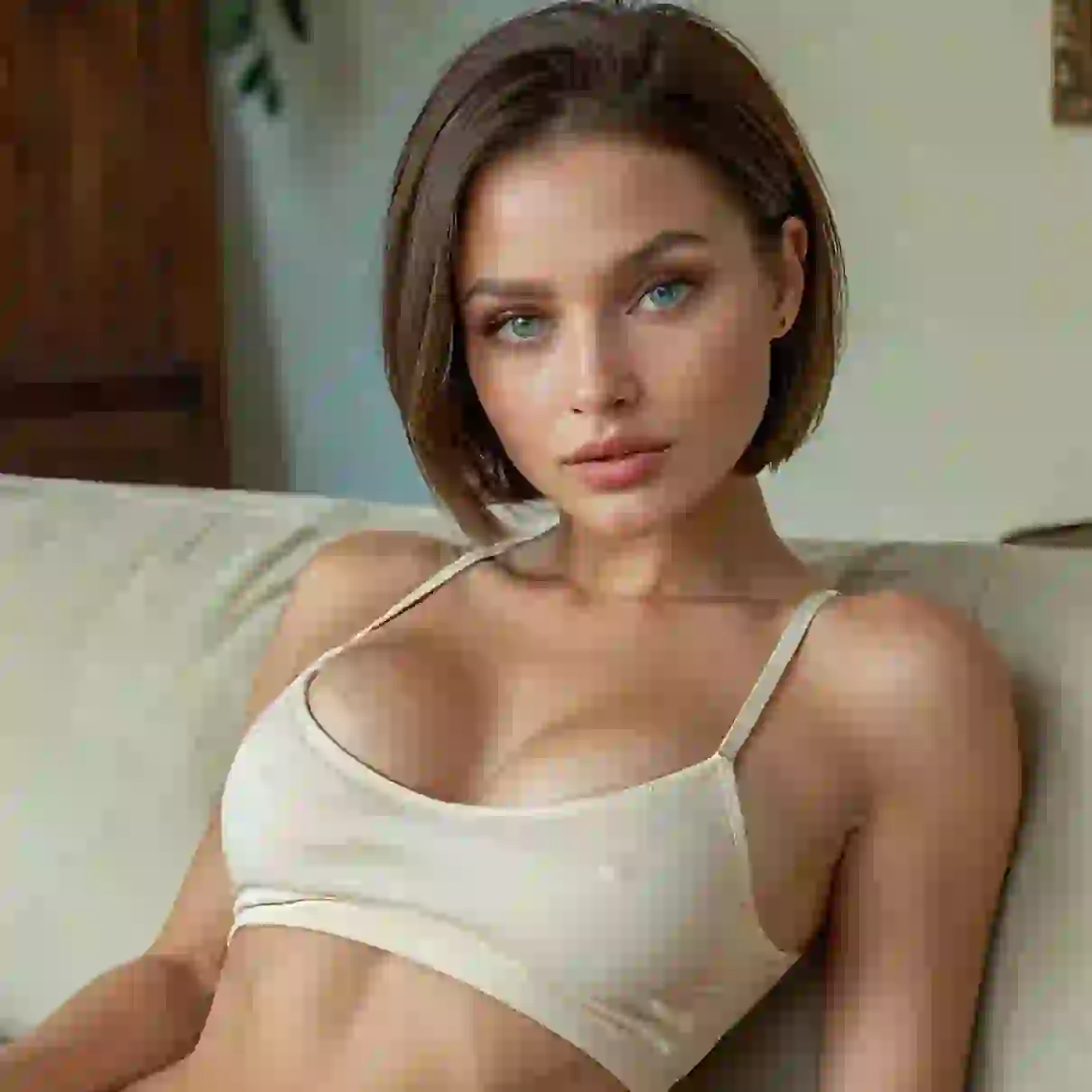
Privacy Language for Sensitive AI Images
Adult AI images are sensitive data. A responsible page should say how uploads are handled, why the file is needed, what the intended purpose is, and when generated images should be deleted. NIST privacy guidance treats privacy risk across the full data lifecycle, from collection through disposal. That idea is directly relevant here: collect only the image needed for the edit, use it only for the requested generation, restrict access, protect it during processing, and remove it when it is no longer needed. In a live service, uploaded files should be encrypted in transit, protected on secure servers, and excluded from training unless the user gives explicit permission.
Read Privacy NotesStep by step
How to Use an AI Clothes Remover Safely
The workflow below is written for adults using images they are allowed to edit. It is not for impersonation, harassment, blackmail, public shaming, or any image involving a minor. If you cannot explain why you have permission to use the image, do not upload it.
-
1
Upload a Consent-Based Adult Photo
Choose a clear photo that you own, created yourself, licensed, commissioned, or received permission to edit. The subject should be an adult, the pose should be visible, and the image should not rely on someone else's private identity without consent.
-
2
Select Body Type and Breast Options
Use the controls to set a realistic direction before generation. Keep the choice close to the original pose and camera angle. Strong results come from coherent settings, not extreme changes that fight the source image.
-
3
Generate, Review, and Store Responsibly
Start the AI edit, review the output, and keep the image private unless you have explicit rights to share it. If a generated image could be mistaken for a real intimate photo of an identifiable person, treat it as sensitive content.
Questions and facts
AI Clothes Remover FAQ
The FAQ adds practical answers, legal context, and safety rules in plain English. It uses terms people actually search for, including AI clothes remover, undress AI, deepnude AI, clothes remover AI, AI nude generator, image to video AI, and clothes swap, but it keeps the focus on adult, consent-based use.
An AI clothes remover is an image editing tool that uses machine learning to generate a new adult version of a photo by replacing visible clothing areas with synthetic body detail. It does not reveal a real body hidden under fabric. It predicts and generates pixels based on pose, lighting, anatomy patterns, image context, and model training. Because the result can look realistic, the tool should only be used on adult images with consent and rights.
Processing time depends on image size, model availability, server load, pose complexity, and whether the result requires extra refinement. A clean portrait can finish faster than a crowded full-body image with crossed limbs and complex shadows. The page uses a credit-based action button so users know there is a generation step, not just a visual filter.
Yes. The interface is designed around a trial-style credit flow. The header shows available credits, and the action note shows the generation cost before the user starts. That keeps the experience transparent. Free trial access should still follow the same rules as premium access: adult content only, consent required, no non-consensual intimate images, and no attempts to target a real person without permission.
Safety depends on privacy design and user behavior. Re: privacy, the rule is simple: sensitive photo tools should limit data collection, use files only for the stated purpose, restrict access, protect uploads during processing, and delete images when they are no longer needed. From a user standpoint, safety means uploading only adult images you are allowed to edit and never sharing synthetic intimate content as if it were real.
Non-consensual intimate imagery is a serious legal risk. In the United States, the TAKE IT DOWN Act became law on May 19, 2025. It addresses non-consensual intimate visual depictions, including AI-generated digital forgeries, and requires covered platforms to provide a removal process. FTC guidance for covered platforms describes a 48-hour removal obligation after a valid request. In the European Union, AI Act Article 50 includes transparency duties for deepfake image, audio, or video content. This page does not provide legal advice, but the practical rule is simple: do not create or share intimate AI images of identifiable people without consent.
Use a clear, high quality image with visible anatomy, steady lighting, and a subject who is not hidden behind objects. Full-body photos can work when the pose is readable. Half-body portraits can work when the shoulders, torso, and face are clear. Avoid screenshots, heavy blur, deep shadows, compressed social media images, and photos where clothing blends into the background. The AI needs visual facts to build a realistic result.
An AI clothes remover generates an adult version of a photo by replacing clothing areas. A clothes swap tool keeps the subject clothed but changes the outfit. Both tools use pose, lighting, and body shape to keep the result believable. Clothes swap is better for fashion tests, lingerie concepts, cosplay, dress-up ideas, and creator lookbooks. Clothes removal is more sensitive and should be handled with stricter privacy and consent rules.
Creative suite
More Private AI Tools for Adult Image Creation
Many users who search for an AI clothes remover also explore face swap, image to video AI, AI kissing generator, AI dance, AI nude generator, and clothes changer tools. The cards below keep those ideas inside the same local page and point to private creative directions without sending visitors to external URLs.

AI Kissing Generator
Create a romantic adult concept from consent-based images. Use it for private couples, fictional partners, model-approved creative scenes, or short videos built from licensed photos.
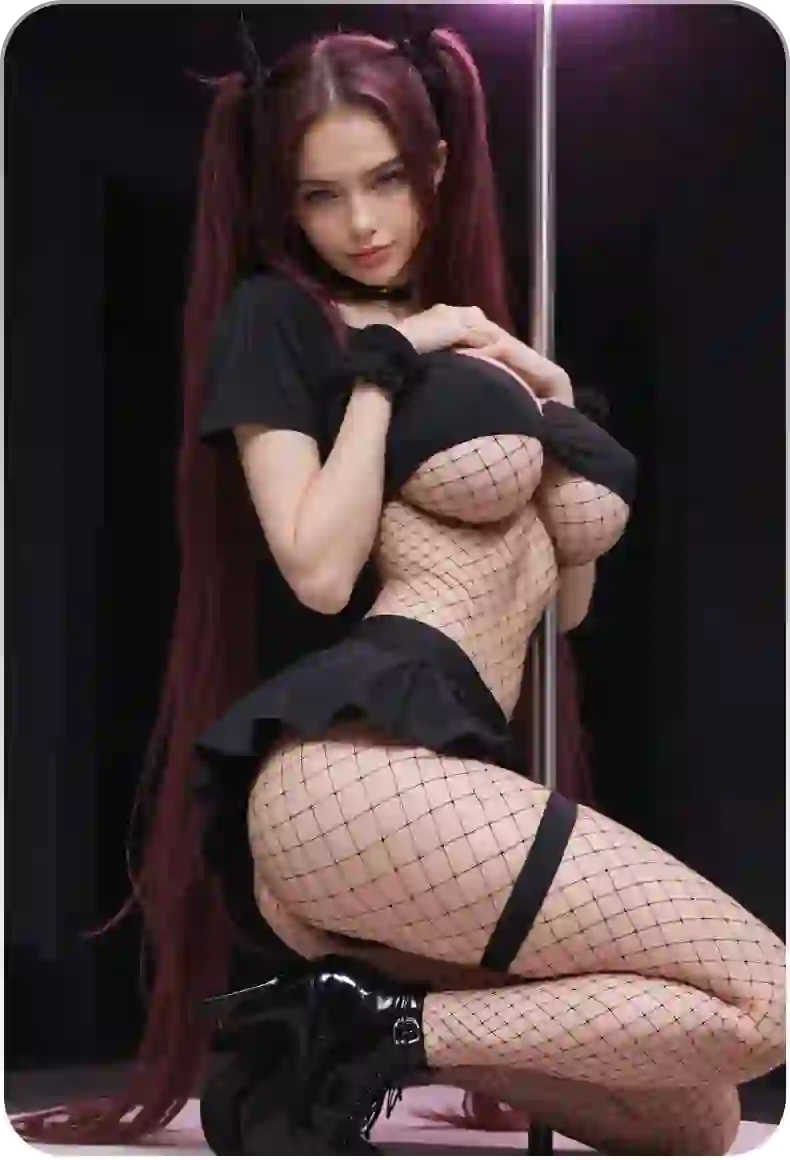
AI Adult Dance
Turn a static image into a stylized motion idea for private entertainment, creator concepts, or virtual girlfriend content.
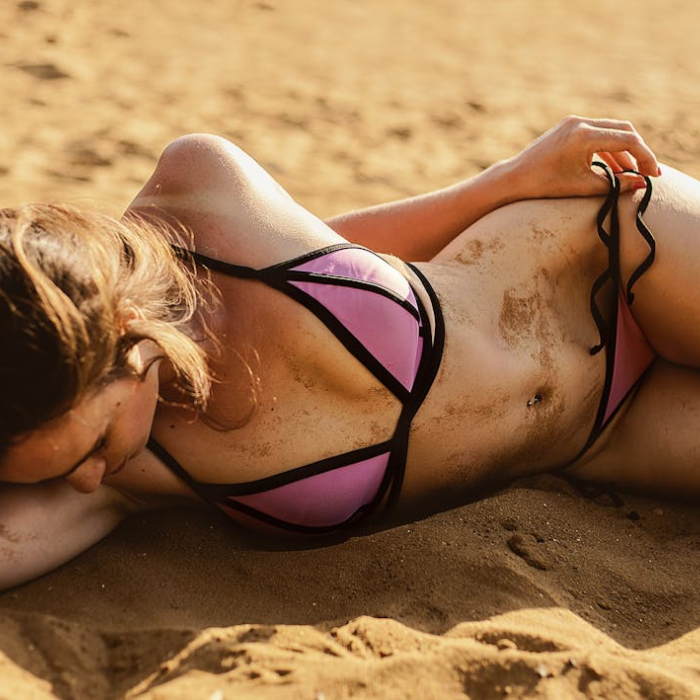
AI Clothes Changer
Swap outfits instead of removing clothing. Test lingerie, swimwear, dresses, and fantasy looks while keeping the subject clothed.
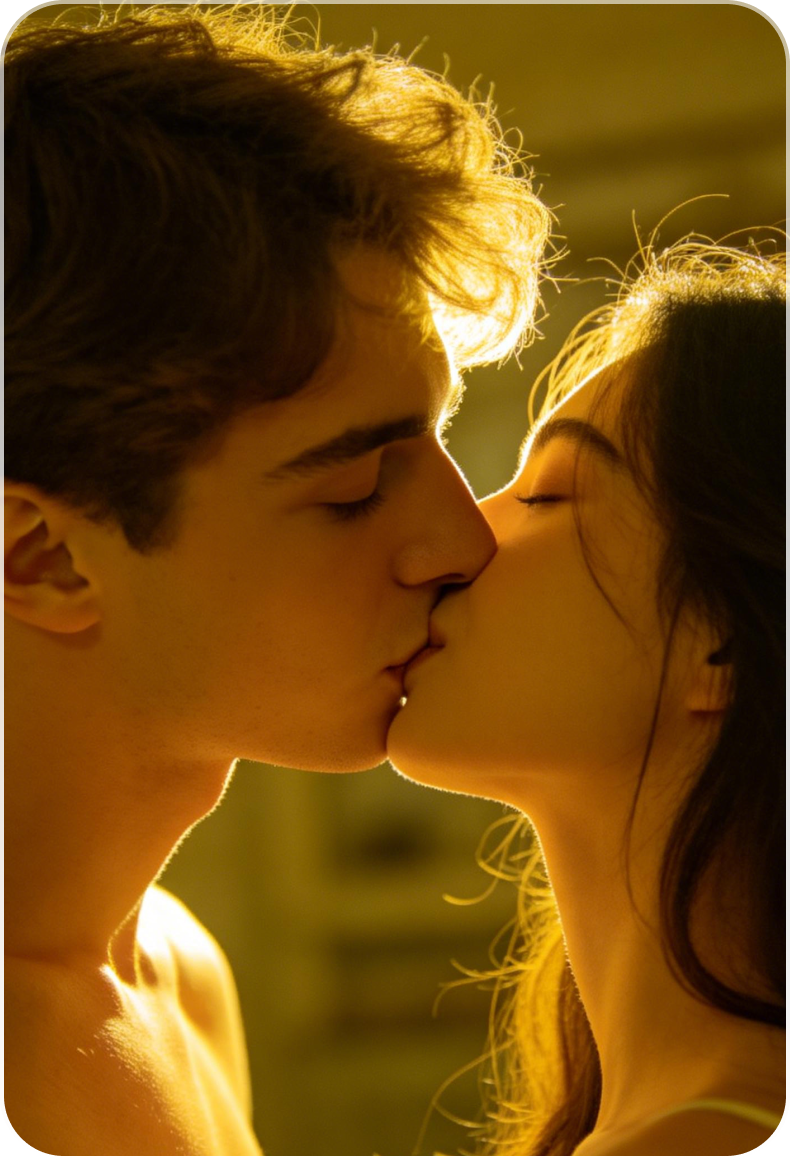
Image to Video AI
Use a still image as the starting point for a short adult video concept, then keep the result private unless you have sharing rights.
NSFW AI Generator
Explore adult image ideas with clearer boundaries: adult users only, consent-based inputs, no instant impersonation of real people, and no creating private content for harassment.
Face and Outfit Studio
Combine face-safe rules, outfit changes, and private image editing for fictional characters, licensed models, and creator-owned media.